Cacher Tool Released
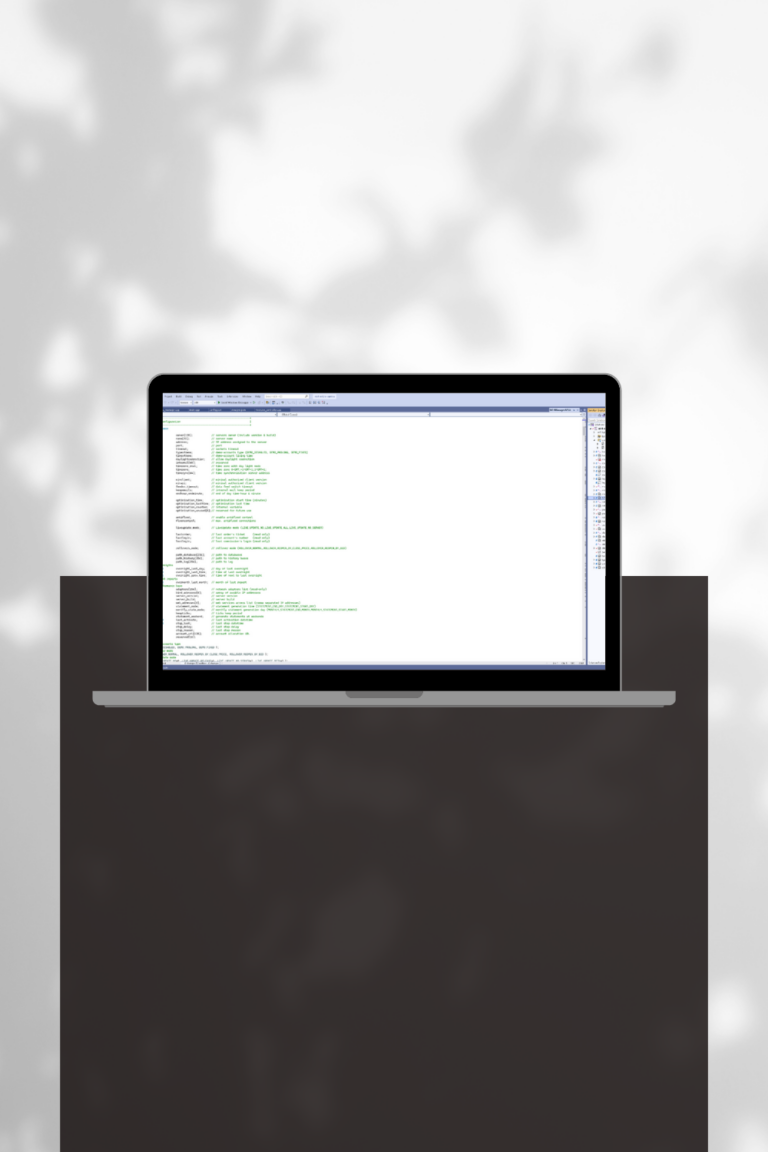
We have been released c++ dll (Cacher), which provides solution to store values in file cache. You can use this DLL in Metatrader (mql) and TradeStation (EL).
Photo by benjamin lehman on Unsplash


We have been released c++ dll (Cacher), which provides solution to store values in file cache. You can use this DLL in Metatrader (mql) and TradeStation (EL).
Photo by benjamin lehman on Unsplash

We improved EasyCopier and added partial close feature. Visit promo-site to get free demo and test it. EasyCopier promo-site Photo by Kanchanara on Unsplash

We have been released c++ dll (Ini Parser), which allows to work with INI files from Metatrader (MQL).
New version of Simple Money Management. Added profit keeper feature. More info and get trial

New version of Simple Money Management, our Metatrader tool. Features: Planing to add: trailing stop. More info and get trial Photo by Pierre Borthiry – Peiobty on Unsplash

We constantly work with the requests of experienced and starting traders, trading companies, prop trading firms and improve our Funded dashboard to make it as user-friendly as possible. For your convenience, we have implemented support for multilingual interface! Now it will be even easier to create accounts, customize plans, manage users, track statistics and view…

You no longer need to manually switch users from one plan to another! With our panel you can set up several phases for one plan and specify trading objectives for each phase. When the objectives of one phase are met, the user automatically moves to the next phase. Also, user gets notification about reaching the…